qq1q App for Android: download the APK and sign in
The qq1q app is a 32 MB Android file that opens the same account, the same balance and the same 6,000 games as the website. It installs in a few taps, sits on your home screen, and needs Android 8.0 or newer.
- Version2.2.6
- File size32 MB
- Android8.0 and up
- PriceFree
Reading this on a laptop? Point your phone camera at the code to open this page on the handset you will install on. Already on Android, then skip the scan and use the button above.
What the APK asks for, and why none of it should worry you
Get the fileAndroid treats every file that arrives from a website with suspicion, and that is a good habit. Here is what qq1q.apk actually needs, what it never touches, and where the money sits.
-
One permission, one browser
You switch on installs from unknown sources for the browser you download with, nothing else. It applies to Chrome, or whichever browser you picked, until you turn it back off. After the qq1q icon appears, switch it off again and leave the phone as it was.
-
The permissions inside the app
The app asks for internet access, local storage for cached game art, and notifications for bonus and withdrawal messages. Camera access appears only when you upload ID documents for KYC. It does not read your SMS, contacts or call log.
-
Check the file before you tap install
The download should be named qq1q.apk and weigh 32 MB. If the file is smaller, the connection dropped and the installer will fail. Do not install a copy sent by a stranger on Messenger or Telegram, even when it carries the qq1q name.
-
Your money stays inside the account
Deposits and withdrawals run through bKash, Nagad, Rocket or a bank transfer on the cashier screen. No one from the brand will ask for your bKash PIN or an OTP in chat. If someone does, close the chat and report it through the help centre.
App or browser: which one fits the way you play?
Both doors lead to the same account. The difference is how much of your day each one fits into.
| What you are doing | qq1q app | Browser on your phone |
|---|---|---|
| Opening the lobby | One tap on the home screen icon | Type the address and sign in again |
| Data on repeat visits | Game art is cached after the first load | Everything reloads from the server |
| Game library | 6,000 titles from CQ9, Evolution, JILI, Sexy Gaming and FA Chai | The same library, same providers |
| Cashier | bKash, Nagad, Rocket and bank transfer inside the app | Same methods in the browser |
| Space on the phone | 32 MB for the install, plus cache | Nothing to install |
| Updates | You install the new APK when a version is published | Always the build on the server |
| Borrowed or shared handset | Keep it on your own phone only | Safer on a device you do not own |
Most players keep both. The app suits the phone in your pocket: a few spins between calls, a crash round on the bus, a withdrawal on payday. The browser tab is for a friend's laptop or an older handset. Balance, bonus progress and KYC status follow the account, not the device. One rule either way: never log in on a phone you do not control, and sign out when you hand it over.
qq1q APK file details before you install
Install stepsEverything on this page points to a single file. Compare the table with what your phone receives. If any line is different, delete the download and take it again from here.
| File name | qq1q.apk |
|---|---|
| Version | 2.2.6 |
| File size | 32 MB |
| Minimum Android | 8.0 |
| Last updated | 10 November 2026 |
| Price | Free |
| Languages | English, Bangla |
| Downloaded from | qq1q.lat/qq1q-app/ |
Leave room on the phone for the installer and for the cache the app builds as you play. If you see "not enough space", clear old downloads and chat videos before trying again, and keep the screen awake until the installer finishes.
Installing the qq1q app on Android, step by step
Five steps, about as long as making tea. Read step one before you tap the download button, because Android will block the file without it.
-
1
Allow installs from your browser
Open Settings, then Apps, then Special access, then Install unknown apps. Pick the browser you will download with, for example Chrome, and switch on Allow from this source. This covers that browser only, and you switch it off again after step three.
-
2
Download qq1q.apk
Tap Download APK at the top of this page. The browser saves the 32 MB file into your Downloads folder. On mobile data, let the progress bar finish before opening anything, because a half-finished file looks like an app but will not install.
-
3
Run the installer
Open Downloads, tap qq1q.apk, then Install. Play Protect may scan the file and show a notice. Continue only because the file came from this page. The installer closes by itself once the qq1q icon lands on the app list.
-
4
Log in with the account you already have
Open qq1q and sign in with the phone number or username you use on the website. New here? Create the account on the register page first, then come back and use the same details on the phone.
-
5
Fund the wallet, then tidy up
Deposit from the cashier with bKash, Nagad, Rocket or a bank transfer, and the balance usually shows within 3 minutes. Switch the unknown-source permission back off, then drag the qq1q icon onto your home screen where you can reach it.
On an iPhone, add qq1q to the home screen instead
There is no iOS build on this page. Safari can pin the mobile site as an icon, which behaves like a small app without any install file or unknown-source permission.
- Open Safari and go to qq1q.lat, then sign in to your account.
- Tap the Share button in the toolbar at the bottom of the screen.
- Scroll the share sheet and choose Add to Home Screen.
- Name it qq1q and tap Add. The icon now opens the site full screen.
It runs on Safari underneath, so an iOS update or a cleared browser cache can sign you out. Your balance and bonus progress are untouched, and logging back in takes a moment.
What opens once the icon is on your home screen
Casino lobby-
Slots at thumb height
The lobby carries 6,000 titles from CQ9, Evolution, JILI, Sexy Gaming and FA Chai. Games open in portrait with the spin button near the bottom edge, so you can play one-handed on a bus without turning the phone sideways.
-
Live tables with a real dealer
Live rooms stream inside the app, and the smaller tables open at low stakes, with several titles running from ৳1 a round. Video wants a steady connection, so keep long sessions on Wi-Fi and leave mobile data for quick ones.
-
Crash rounds with a cash-out button
The multiplier climbs, you tap out before it drops, and the round is over in seconds. That rhythm suits a short break rather than a long evening. Titles, limits and how the payouts work sit in the Aviator guide.
-
Cricket and football between overs
Match markets sit in the same app, which matters on a match night when the laptop is far away. Check the market, place the bet, then follow the score without jumping between apps or losing your place in the queue.
-
Cashier and bonus in one panel
The wallet screen takes deposits from ৳450 and withdrawals from ৳1,300, and shows what is left of your 19x wagering. Reload offers and the 0.8% daily cashback land in the same place, so you never guess whether an offer is still active.
-
English or Bangla, plus live chat
The interface switches between English and Bangla from the settings row. Live chat is open 24/7 from the menu, which is faster than social media when a deposit does not land, and the agent can see the transaction you are asking about.
Where to start in the lobby
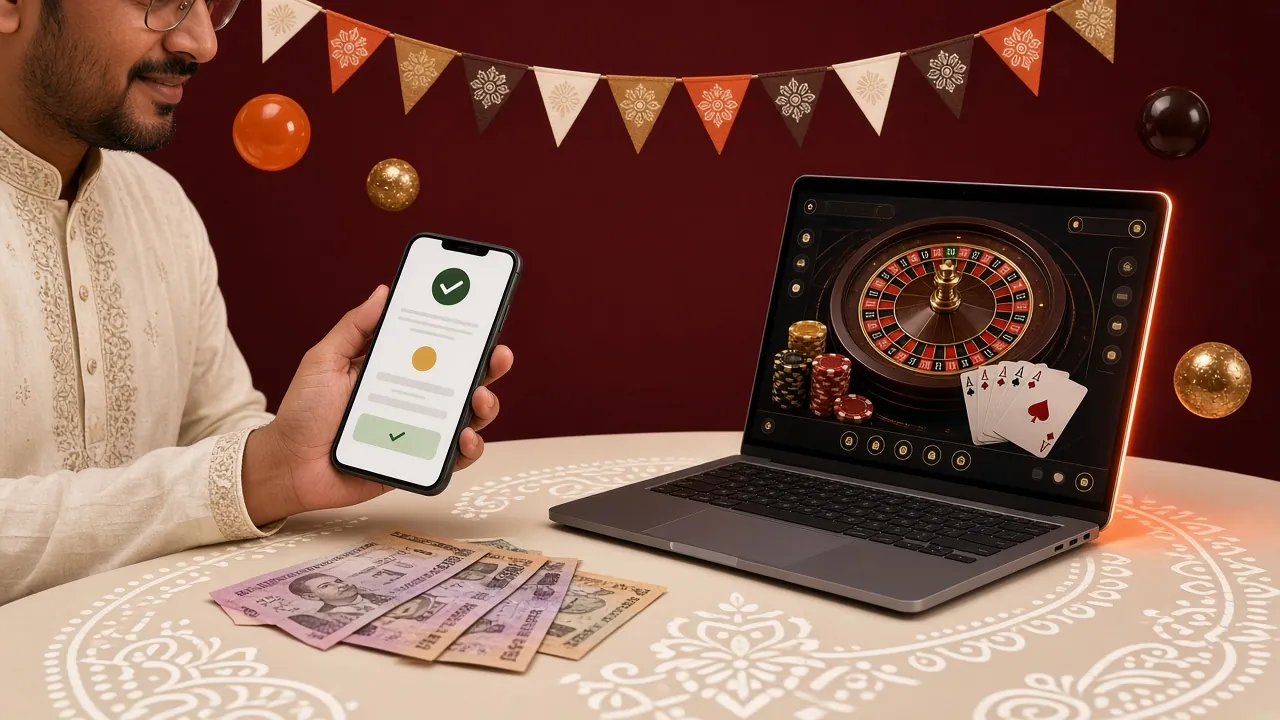
Two titles are worth opening first, because they show what the small screen does well: a clear grid, a readable paytable and a spin button you can hit without looking.

When the APK will not install, check these five things
| What you see | Likely cause | What to do |
|---|---|---|
| "App not installed" at the end of the bar | An older build of the same app is still on the phone, or the download was cut short | Uninstall the old qq1q app first. The account lives on the server, so nothing is lost. Then delete the file, download qq1q.apk again and install. |
| The Install button is greyed out or missing | The unknown-source permission is off for the browser you used | Settings, Apps, Special access, Install unknown apps. Pick the same browser, allow it, then reopen the file from the Downloads folder. |
| "Can't open file" | The download stopped partway on a weak connection | Check the size in Downloads. It should read 32 MB. Anything smaller is incomplete, so delete it and repeat the download on Wi-Fi. |
| Play Protect shows a warning | Android scans every app installed outside the Play Store | Read the prompt and continue only if the file came from qq1q.lat. Delete anything that arrived by chat, email or a link shortener. |
| The app closes as soon as it opens | Android older than 8.0, or very little free storage | Check Settings, About phone for the Android version. On 8.0 and newer, clear space and reinstall. On older builds, use the browser version. |
What players ask before tapping install
Is the qq1q APK from this page safe to install?
This page serves one file, qq1q.apk version 2.2.6, 32 MB, the same build the support team points players to. Android still warns you because the file does not come from Play. Check the name and size before installing, keep the Play Protect scan on, and never install a copy a stranger sends you.
Why does my phone say the file may be harmful?
That notice appears for every app installed outside the Play Store, not for qq1q in particular. It is a general warning, not a virus report. You can continue after checking the file name and size. If you would rather not, the browser version plays the same 6,000 games with no install at all.
How do I update the qq1q app when a new version comes out?
When a new build is published, this page shows a higher version number than the one on your phone. Download the new APK and tap it; Android replaces the old install and keeps your login. If the installer refuses, uninstall the old app first, then sign in again with the same details.
Will it run on an older Android phone?
The build needs Android 8.0 or newer. Open Settings, then About phone, to check your version. On 7 or below the file may install but the lobby can fail to load, so stay in the browser there. The account, wallet and bonus work exactly the same in Chrome.
Do I need a separate account for the app?
No. The app is another door into the account you already have, with the same balance, bonus progress and KYC status. Sign in with the phone number or username you use on the site, or with the details you set on the register page. If a login fails, reset it on the login page.
Can I deposit and withdraw inside the app?
Yes. The cashier takes bKash, Nagad, Rocket and bank transfer. The minimum deposit is ৳450 and normally lands in about 3 minutes. Withdrawals start at ৳1,300, usually clear in around 30 minutes, and run up to ৳175,000 a day. Your first withdrawal needs KYC documents, reviewed within 24 hours.
Does the app eat a lot of mobile data?
The first load pulls down game art, and after that the app keeps it on the phone, so repeat sessions are lighter. Live dealer video is the heaviest part of the app. Play those rooms on Wi-Fi and keep slots and crash rounds for mobile data. Nothing runs in the background when you close it.
The file is ready when your phone is
Download qq1q.apk, install it once, and the account you already use on the website opens with the same wallet, the same bonus progress and the same 6,000 games in your hand.
18+ · Play Responsibly · Version 2.2.6 · 32 MB · Free